Review Process
What happens to your report after you submit it.
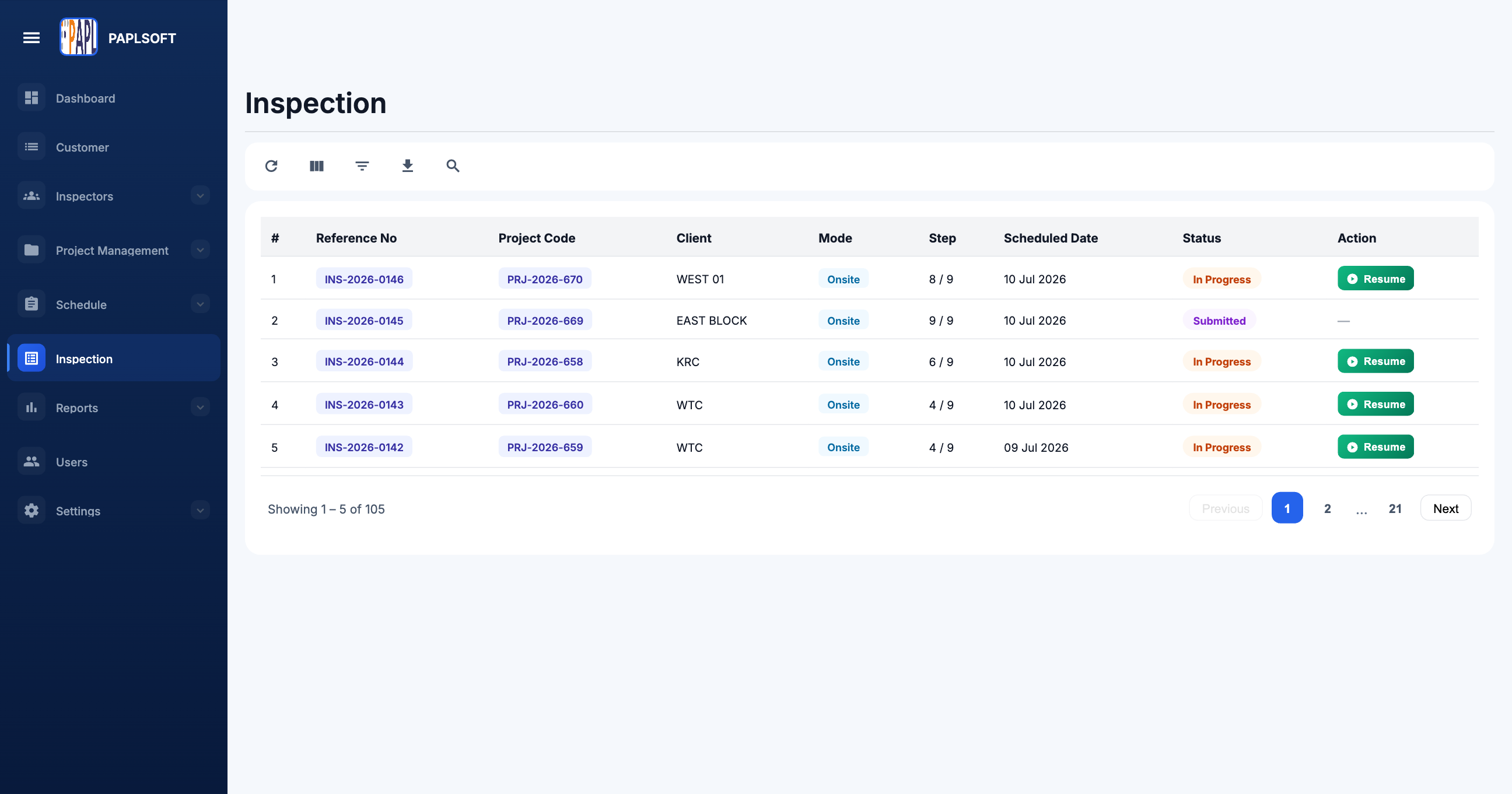
Once you submit a report, it enters the administrator's review queue. You don't need to take any action during this phase — but understanding the process helps you know what to expect.
Review Stages
Submitted
Your report is in the administrator's queue awaiting review. No action required from you.
Under Review
An administrator is actively reviewing the report. You may see this status if your organization uses it.
Approved
The report has been accepted. The final PDF is generated and available for download. You'll receive a notification.
Returned
The administrator has sent the report back with comments requesting changes. See Handling Returned Reports.
Notifications
You will receive an in-app notification and email when your report status changes. Make sure your notification settings are configured — see Notifications.